Windows IPTV Player

Experience the ultimate IPTV streaming solution designed specifically for Windows 10 and Windows 11. Our Windows IPTV Player delivers exceptional performance with a native Windows interface that feels right at home on your PC. Stream thousands of live TV channels, movies, and series with crystal-clear quality and zero buffering.

Built with cutting-edge technology, our Windows IPTV Player supports M3U playlists, Xtream Codes API, and features a comprehensive EPG (Electronic Program Guide). Whether you're using a desktop PC, laptop, or tablet running Windows, enjoy seamless streaming with hardware acceleration, multi-monitor support, and keyboard shortcuts for the perfect viewing experience.

No channels are included in the application. IPTV Player app is not responsible for the content uploaded to it.
DOWNLOAD FOR WINDOWS

System Requirements:
Windows 10 version 19041.0 or higher
Windows 11 (all versions)

Windows-Optimized Features

Powerful features designed specifically for Windows users

Native Windows UI

Beautiful modern interface that perfectly integrates with Windows 10 and 11 design language

Hardware Acceleration

Leverage your GPU for smooth 4K playback with minimal CPU usage

Multi-Monitor Support

Extend your viewing experience across multiple displays seamlessly

Keyboard Shortcuts

Control playback with intuitive keyboard shortcuts for power users

4K HDR Streaming

Enjoy ultra-high-definition content with HDR support on compatible displays

Low Resource Usage

Optimized performance ensures smooth streaming even on older PCs

Complete Feature List

Everything you need for the perfect IPTV experience on Windows

๐Ÿ–ฅ๏ธ Windows Integration

  • โœ… Native Windows 10/11 Support: Fully optimized for both 32-bit and 64-bit Windows systems
  • โœ… DirectX Hardware Acceleration: GPU-accelerated video rendering for smooth 4K playback
  • โœ… System Tray Integration: Quick access from Windows taskbar with media controls
  • โœ… Windows Notifications: Get alerts for program start times and updates
  • โœ… Media Key Support: Control playback with keyboard media keys
  • โœ… Multi-Monitor Support: Extend or duplicate display across multiple screens

๐Ÿ“บ Streaming Features

  • โœ… M3U Playlist Support: Import unlimited M3U/M3U8 playlists with one click
  • โœ… Xtream Codes API: Full Xtream Codes integration with automatic updates
  • โœ… Adaptive Streaming: Auto-adjust quality based on internet speed (SD/HD/FHD/4K)
  • โœ… Multiple Codecs: H.264, H.265 (HEVC), VP9, AV1 support
  • โœ… Smart Buffering: Intelligent pre-buffering prevents interruptions
  • โœ… Auto-Reconnect: Seamlessly restore stream if connection drops

๐ŸŽฏ User Interface

  • โœ… Modern Design: Clean, intuitive interface following Windows design language
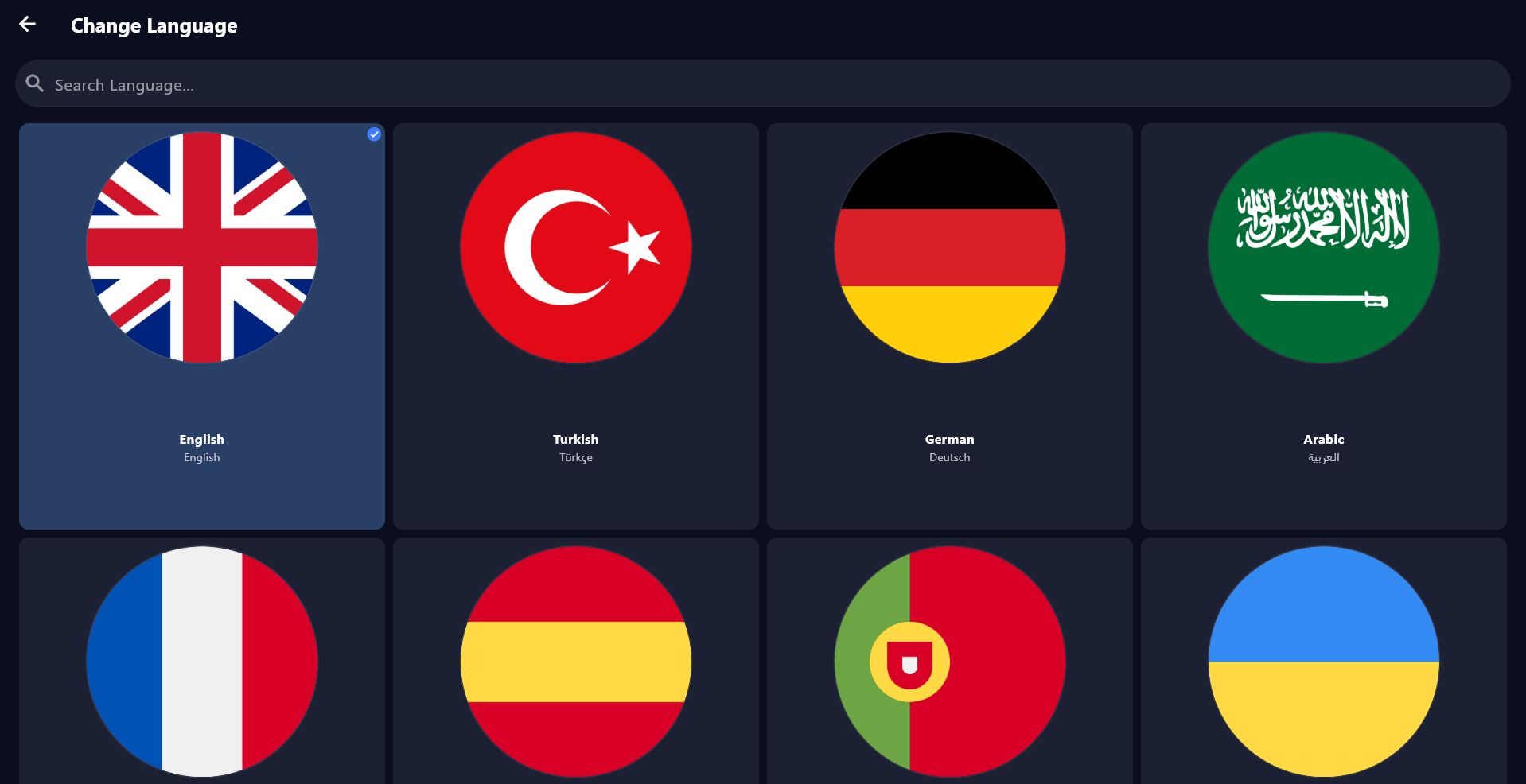
  • โœ… 15 Languages: English, Turkish, German, Arabic, French, Spanish, Italian, Portuguese, Russian, Polish, Dutch, Swedish, Greek, Romanian, Hungarian
  • โœ… Dark/Light Mode: Switch between themes or auto-sync with Windows settings
  • โœ… Customizable Layout: Resize panels, adjust font sizes, personalize colors
  • โœ… Keyboard Shortcuts: 30+ shortcuts for power users (Space, Arrow keys, F, M, etc.)
  • โœ… Borderless Window: Fullscreen or borderless windowed mode for multitasking

๐Ÿ“‹ EPG & Channel Management

  • โœ… Full EPG Support: 7-day program guide with detailed show information
  • โœ… Auto-Categorization: Channels organized by country, genre, language
  • โœ… Smart Search: Find channels instantly by name, country, or category
  • โœ… Favorites System: Create unlimited favorite lists and quick access groups
  • โœ… Recently Watched: Quick access to your last 50 watched channels
  • โœ… Channel Logos: Automatic high-quality logo download and display

๐Ÿ‘จโ€๐Ÿ‘ฉโ€๐Ÿ‘งโ€๐Ÿ‘ฆ Family Features

  • โœ… Parental Controls: PIN-protected adult content filtering
  • โœ… Kids Mode: Simplified interface with only child-friendly channels
  • โœ… Watch Time Limits: Set daily viewing time restrictions
  • โœ… Multiple Profiles: Create separate profiles for each family member

โšก Performance & Tools

  • โœ… Built-in Speed Test: Test your connection and optimize settings automatically
  • โœ… Low CPU Usage: Optimized to use less than 5% CPU on modern PCs
  • โœ… Lightweight: Only 45MB installation size, minimal RAM usage
  • โœ… Auto-Updates: Automatic background updates with no interruption
  • โœ… Crash Recovery: Auto-save state and resume where you left off
  • โœ… Portable Mode: Run from USB drive without installation

๐Ÿ”’ Security & Privacy

  • โœ… Encrypted Credentials: All login data stored securely with AES-256 encryption
  • โœ… No Data Collection: We don't track or store your viewing history
  • โœ… Secure Connections: HTTPS/SSL support for all API communications
  • โœ… Local Storage: All settings and data stored locally on your PC

Windows IPTV Player Interface

See how beautiful IPTV streaming looks on Windows

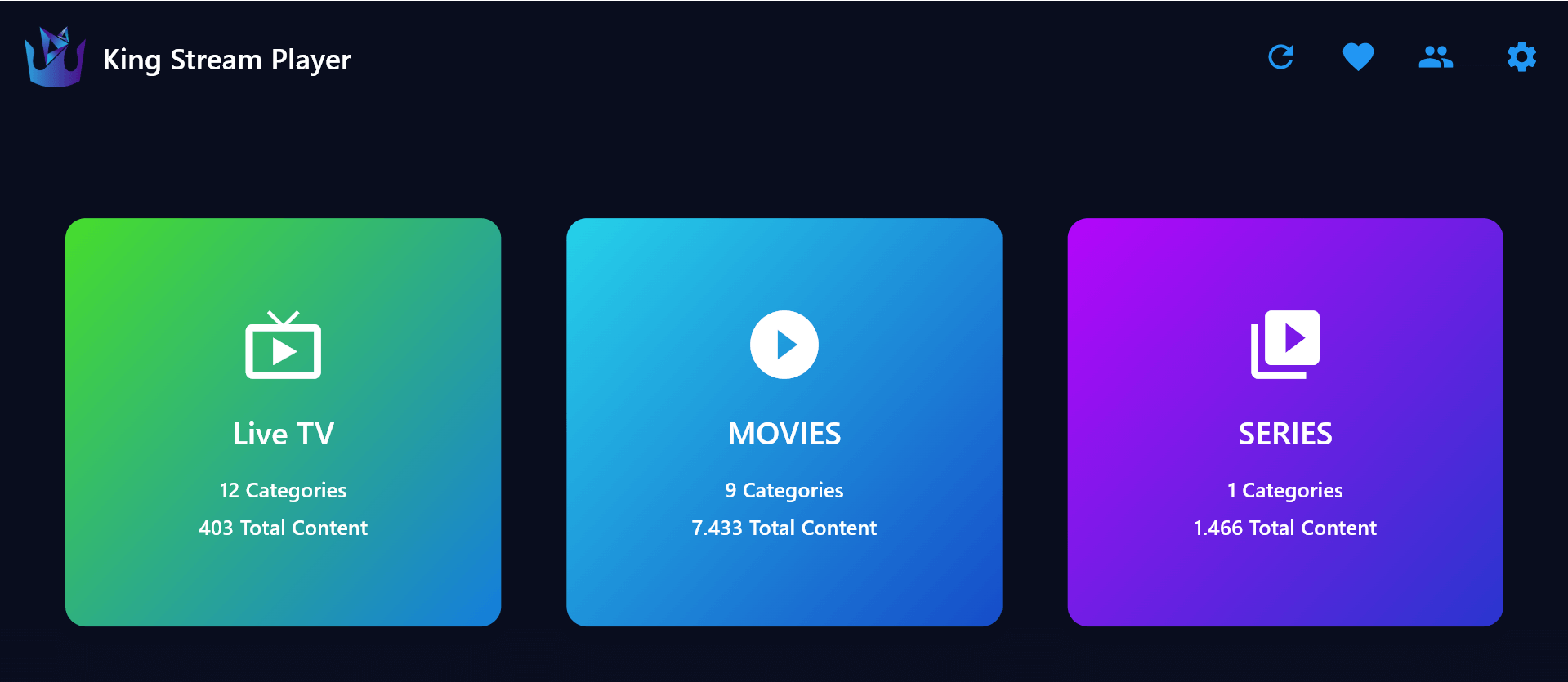
Windows IPTV Player main interface

Main Interface

Clean and intuitive Windows-native design

Windows IPTV Player channel list

Channel Browser

Browse thousands of channels with ease

Windows IPTV Player video playback

HD Playback

Crystal-clear streaming with advanced controls

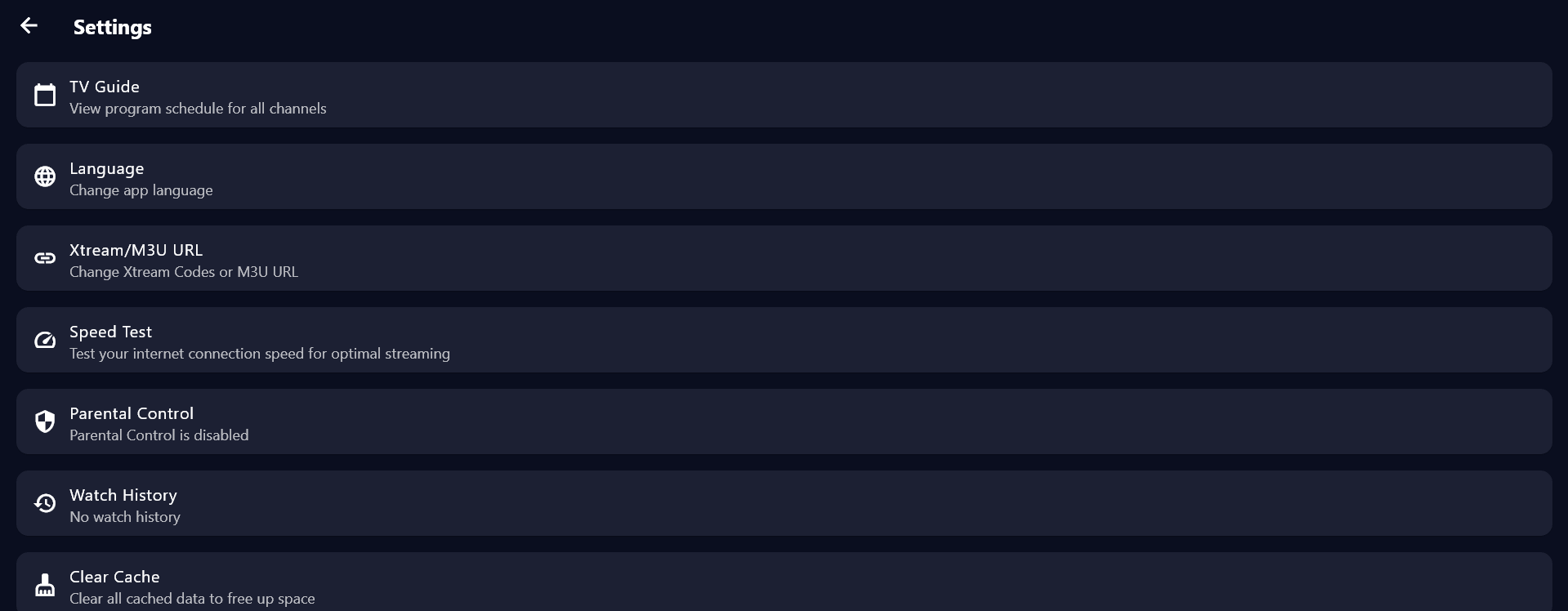
Windows IPTV Player settings

Settings & Customization

Customize every aspect of your viewing experience

How to Install on Windows

Get started with IPTV Player on your Windows PC in minutes

Step 1

Download from Microsoft Store

Open the Microsoft Store on your Windows 10 or Windows 11 PC. Search for "IPTV Player" or click the download button above to go directly to our store page. The app is completely free to download and use, with no hidden fees or subscriptions required.

Step 2

Install and Launch

Click the "Get" or "Install" button in the Microsoft Store. The app will download and install automatically. Once installation is complete, launch IPTV Player from your Start menu or desktop. The first launch will take a few seconds to initialize.

Step 3

Add Your Playlist

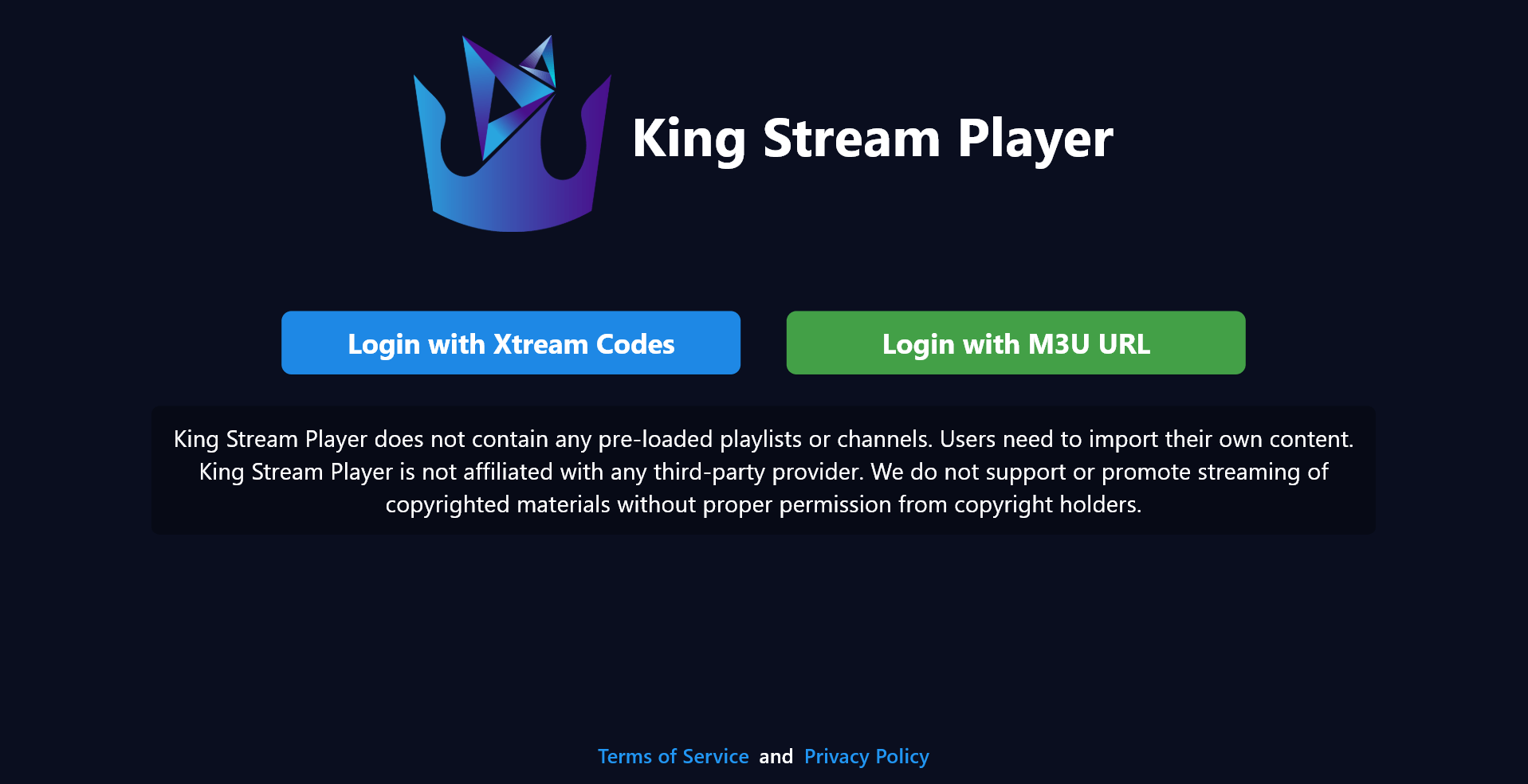
On the welcome screen, choose to add an M3U playlist URL or configure Xtream Codes API credentials. Enter your IPTV service provider's information. The app will load your channels and EPG data. You can now start watching your favorite content on Windows!

System Requirements

Make sure your Windows PC meets these requirements

Minimum Requirements

  • Operating System: Windows 10 version 19041.0 or higher, Windows 11
  • Processor: Intel Core i3 or AMD equivalent (2.0 GHz or faster)
  • Memory: 4 GB RAM minimum (8 GB recommended)
  • Graphics: DirectX 11 compatible graphics card
  • Storage: 200 MB available space
  • Internet: Broadband connection (10 Mbps minimum for HD, 25 Mbps for 4K)

โš ๏ธ Important Disclaimer

IPTV Player is only a media player application. The app does not host, stream, or provide any media content whatsoever.

We focus solely on providing the best playback experience for your existing media files and playlists. You must have your own legitimate IPTV subscription or content source to use this player.